
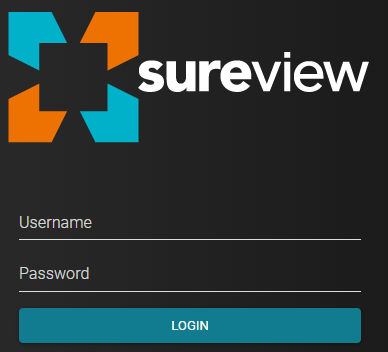
The Login page is available at https://YourAppTier/immixcc.
Provide your username and password to log in.
Domain Select
If your installation is configured to allow login with user domains, you can enable the domain select system pref. This allows users to select their domain from a dropdown on the login page.
Setup
Domain select can be enabled through system prefs, under the Security section. There are two prefs that can be enabled.
Enable Dropdown Select

Enabling this pref will cause the domain select dropdown to be displayed on the Login page. By default, the user is required to choose a domain.
Allow Login Without a Domain

Enabling this pref will allow users to login without a domain selected. This also allows users to clear the dropdown.
Using the Select
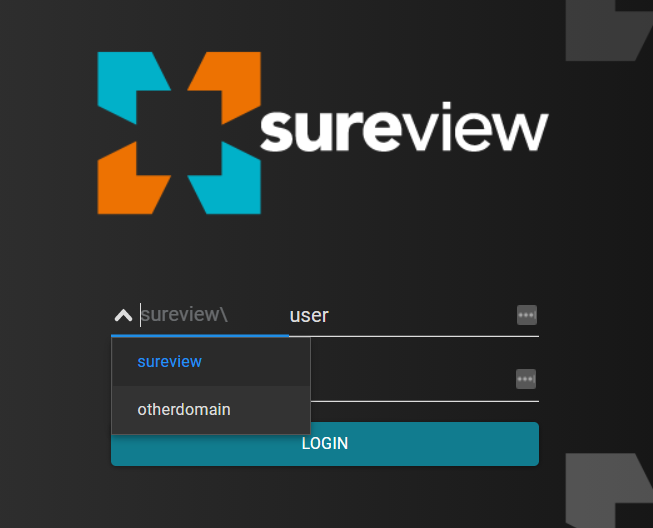
The dropdown is displayed next to the username field, and allows the user to select their login domain. If you haven't enabled the 'allow login without a domain' pref, when the page is loaded, the select will default to the top domain in the list.
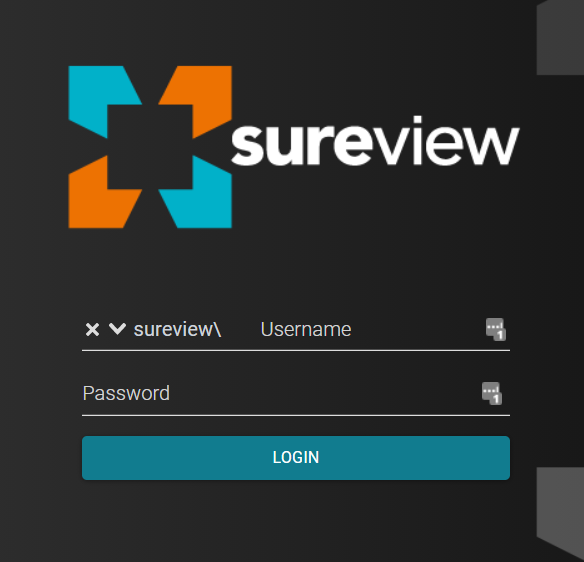
If you have the 'allow login without a domain' pref enabled, you will see a button to clear the dropdown as shown below.
Comments
0 comments
Please sign in to leave a comment.